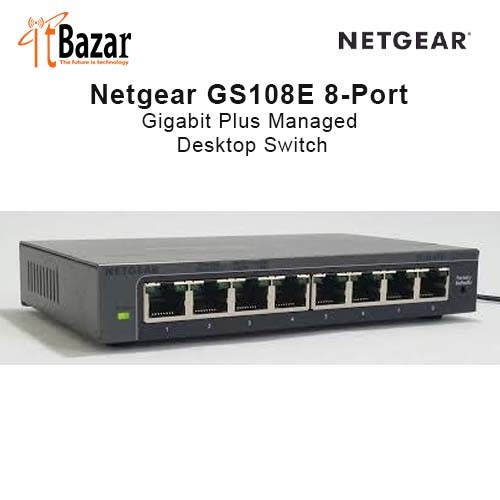

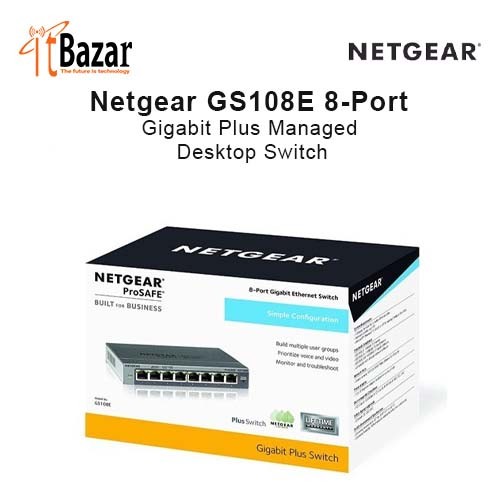
Netgear Managed Switch GS108E 8-Port Gigabit Plus Desktop Switch
Inhouse product


Netgear Managed Switch GS108E 8-Port Gigabit Plus Desktop Switch নেটগিয়ার ৮পোর্ট গিগাবিট ম্যানেজড সুইচ
The Netgear GS108E 8-Port Gigabit Plus Managed Switch is designed for data-intensive environments. The Netgear GS108E Switch offers various features to enhance network management and efficiency. VLAN support allows for traffic segmentation, while Quality of Service (QoS) ensures critical applications receive the necessary bandwidth for optimal performance. It also includes auto denial-of-service (DoS) prevention and loop prevention to address potential network issues. For multicast optimization, the Netgear GS108E Gigabit Plus Managed Switch supports IGMP snooping v1, v2, and v3. It also features rate-limiting for bandwidth allocation, port-mirroring for network monitoring, and port-trunking for increased uplink bandwidth. The switch offers flexible management options through its web-based GUI or PC-based Utility Tool. With support for Jumbo frames and the Energy Efficient Ethernet (IEEE802.3az) standard, the GS108E switch promotes power savings without compromising performance. Its hardware features make it suitable for small to medium-sized business (SMB) networks, offering a cost-efficient Gigabit Ethernet solution with management capabilities.
MANAGEMENT
Traffic Management
Auto Negotiation of speed and duplex modes
802.3x Flow Control
DHCP Client
Dynamic MAC address management
IEEE 802.1Q-based or port-based VLAN
QoS based on WRR, strict priority, or both
Port-based and IEEE 802.1p-based QoS
QoS based on ToS (Type-of-Service)
DSCP Support (GS105E and GS105PE only)
Rate Limiting
Link Aggregation / Port Trunking (Static LAGs on 16 ports and 24 ports, Static LAGs and LACP on 48 ports)
Switch Management
Switch discovery on MAC or PC using the NETGEAR Switch Discovery Tool
Advanced configuration and management using web browser-based GUI
Manage or deploy multiple switches using ProSAFE Plus Utility (requires Windows PC)
Firmware upgrade thru ProSAFE Plus Utility (TFTP) or web browser-based GUI
Configuration upload (to Server)
System password protection
Multi-language support (varies by model, see datasheet for specifics)
Reviews & Ratings
Product Queries (0)
Login Or Registerto submit your questions to seller
Other Questions
No none asked to seller yet
Frequently Brought Products




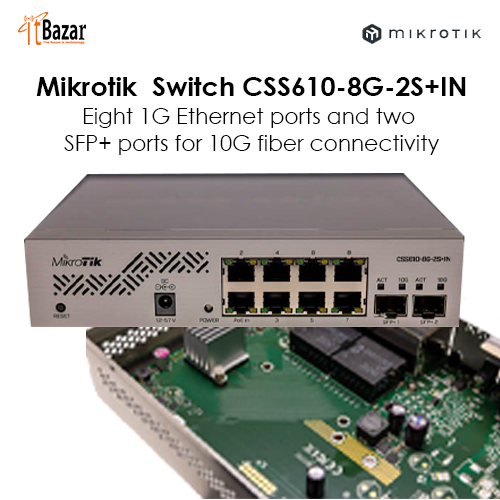
Mikrotik CSS610-8G-2S+IN


itBazar
itBazar || Total Networking Solutions